
To view this content in our official product documentation, click here.
Introduction
Having installed the Emarsys connector, some setup is required before it can be used. You must:
- Stage 1: Create a pre-request script
- Stage 2: Apply the pre-request script to your Emarsys connector
Once this setup is complete, you can add instances for use in process flows.
Stage 1: Creating a pre-request script
A pre-request script is required to generate an authentication token from username and password credentials. Follow the steps below to create this script.
Step 1\ From the Patchworks dashboard, select scripts from the left-hand navigation menu.
Step 2\ Click the create script button:

Step 3\ In the name field, type the following:
Emarsys Pre-Request ScriptStep 4\ In the description field, type the following:
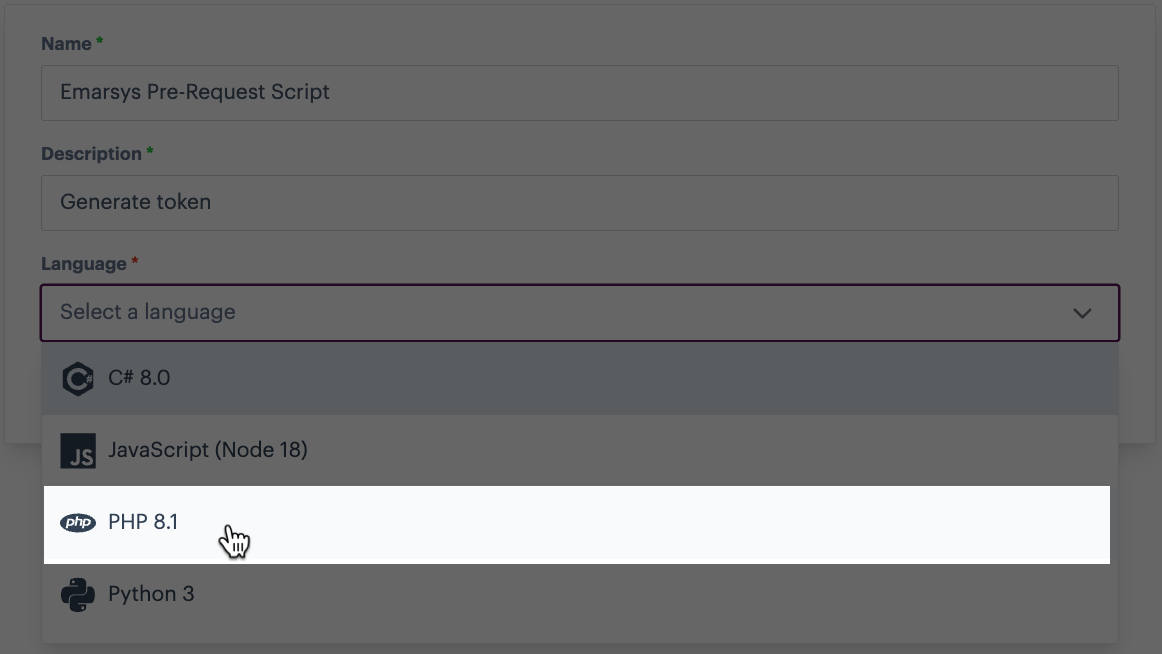
Generate tokenStep 5\ Click in the language field and select PHP 8.1:
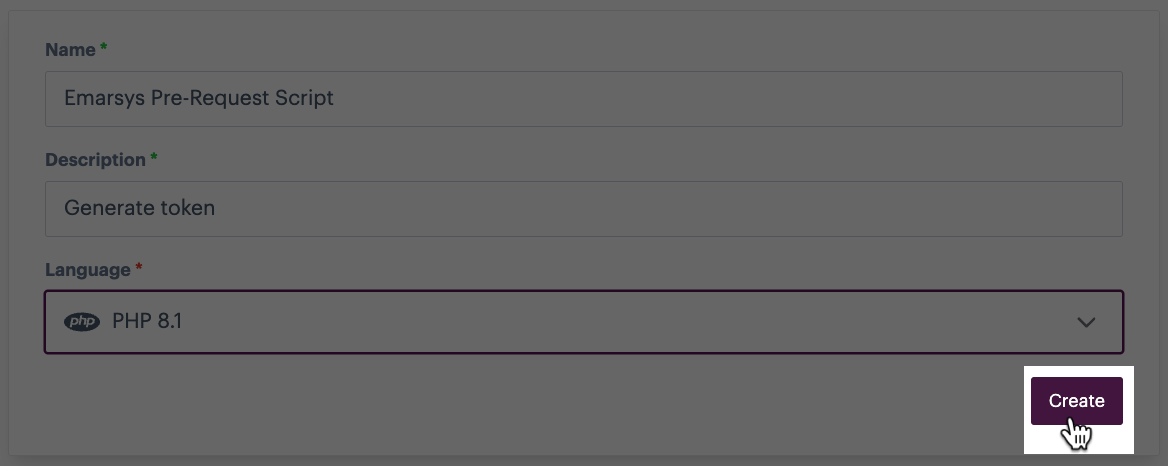
Step 6\ Click the create button:
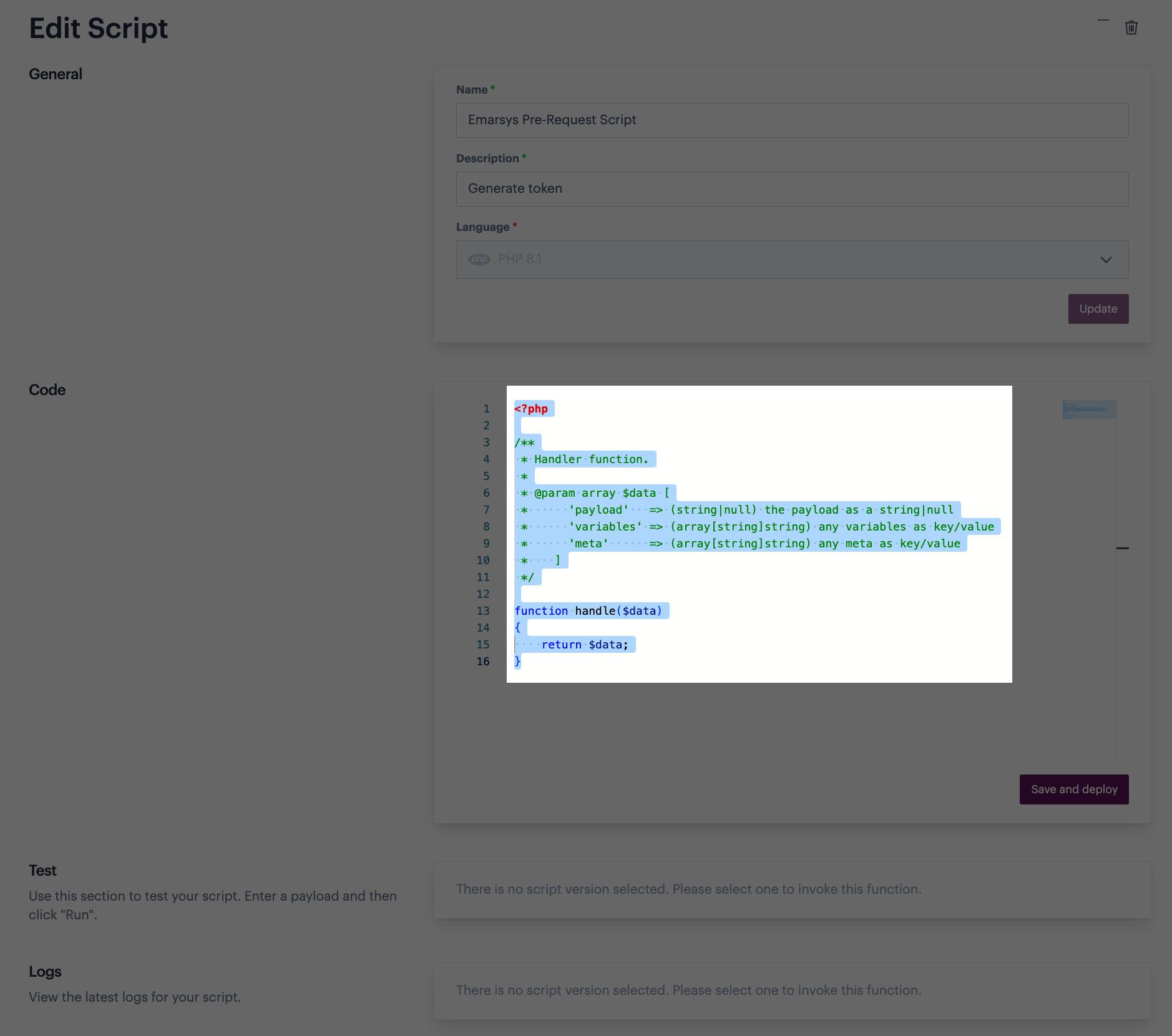
Step 7\ The script is created and opened in edit mode - select and remove any placeholder code:
Step 8\ Paste in the code below.
 Pre-request script code
{% code lineNumbers="true" %}
<?php

function handle($data) {

  $username = $data['variables']['username'];
  $nonce = md5(mt_rand());
  $timestamp = gmdate('c');
  $secret = $data['variables']['password'];

  $passwordDigest = base64_encode(sha1($nonce . $timestamp . $secret, false));

  $data['variables']['token'] = 'UsernameToken ' .
                'Username="'.$username.'", ' .
                'PasswordDigest="'.$passwordDigest.'", ' .
                'Nonce="'.$nonce.'", ' .
                'Created="'.$timestamp.'"';

  return $data;
};
Step 9\ Click the save and deploy button:

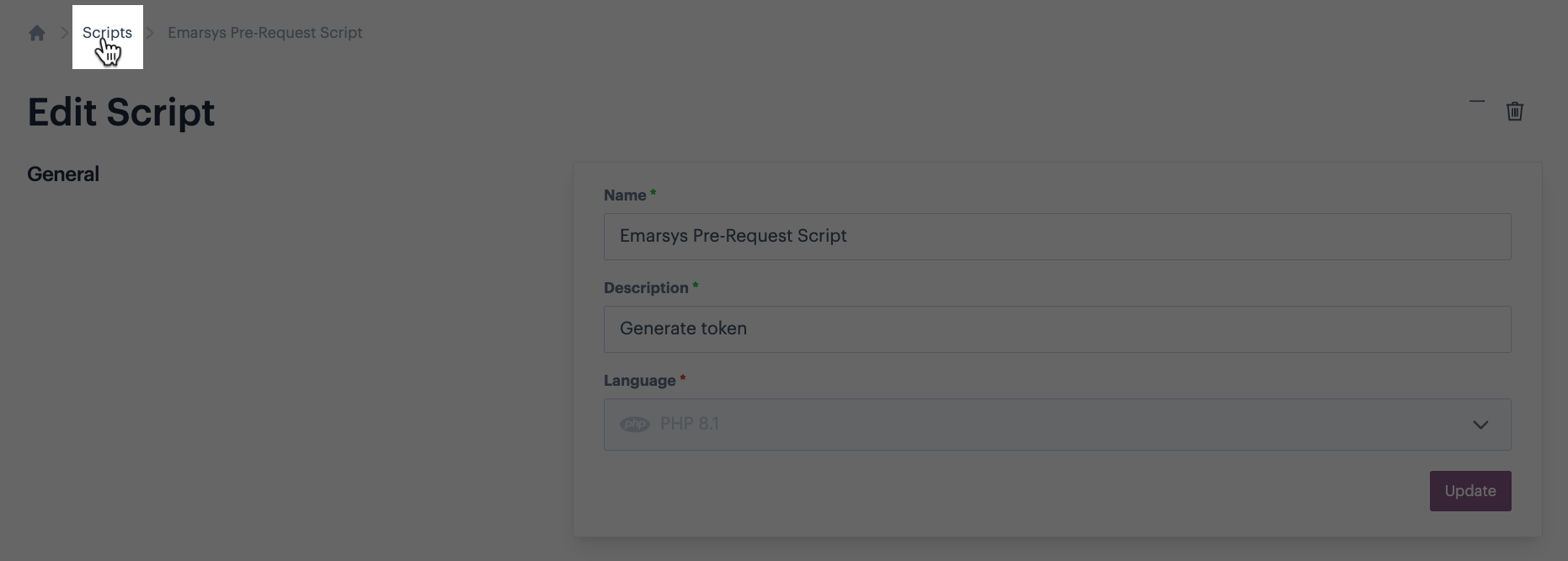
Step 10\ Click the scripts element of the breadcrumb trail to exit back to your list of scripts and go to the next stage:
Stage 2: Applying the pre-request script
Step 1\ From the Patchworks dashboard, select connectors and instances from the left-hand navigation menu to access your installed connectors.
Step 2\ Find your Emarsys connector and click the settings icon:

Step 3\ Click the authentication option:

Step 4\ Select the token authentication method.
Step 5\ Select the pre-request script tab:

Step 6\ Click in the select script field and select your Emarsys Pre-Request Script:

Step 7\ Select the latest version:

Step 8\ Save changes:
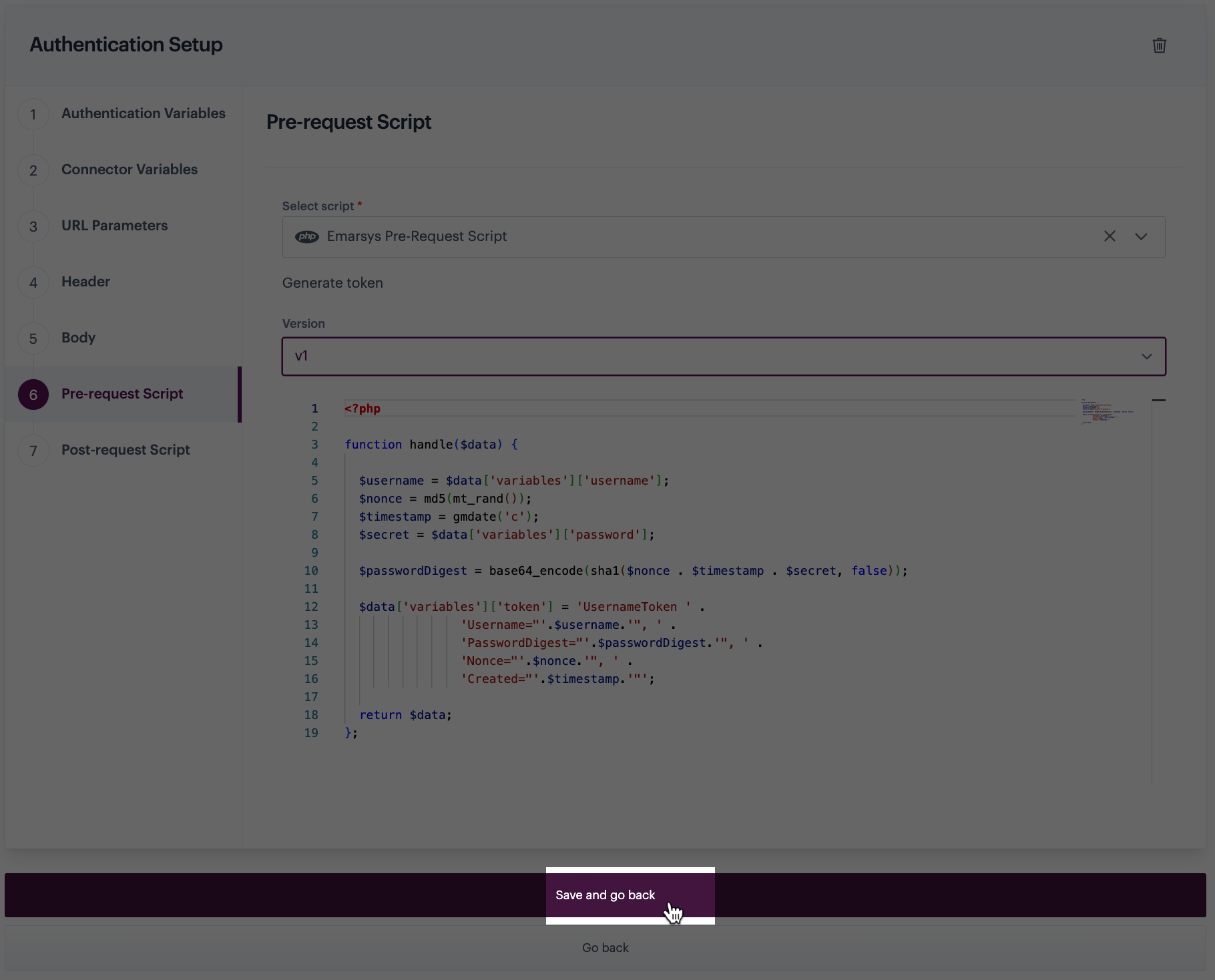
Step 9\ You can now add instances of this connector for use in process flows.
Comments
0 comments
Please sign in to leave a comment.