
To view this content in our official product documentation, click here.
Akeneo (prebuilt connector)
Description
Akeneo is a product information management and product data intelligence solution.
API documentation
API documentation for Akeneo (used to build this connector) can be found via the link below:
{% embed url="https://api.akeneo.com/api-reference-index.html" %}
Authentication
When adding connector instances for Akeneo, the following authentication methods are supported:
Akeneo Auth
{% tabs %} {% tab title="Credentials" %} When a user chooses to add a connector instance using Akeneo Auth authentication, the credentials below are prompted:
| Credential | Required? | Notes |
|---|---|---|
Client ID |
true | The client id generated for your Patchworks connection in Akeneo. |
Client Secret |
true | The client secret generated for your Patchworks connection in Akeneo. |
Store URL |
true |
The URL used to access your Akeneo store without the https://patchworks-sandbox.cloud.akeneo.com/ would be entered as: |
Username |
true | The username generated for your Patchworks connection in Akeneo. |
Password |
true | The password generated for your Patchworks connection in Akeneo. |
Response authentication token key |
true | Set to access_token.
|
Response refresh token key |
true | Set to refresh_token. |
{% endtab %}
{% tab title="Obtaining credentials" %} The required credentials for adding a Patchworks instance of the Akeneo prebuilt connector can be obtained by adding an Akeneo connection for Patchworks, in your Akeneo dashboard. The steps required to add a new connection are summarised below:
Step 1\ Log into your Akeneo dashboard.
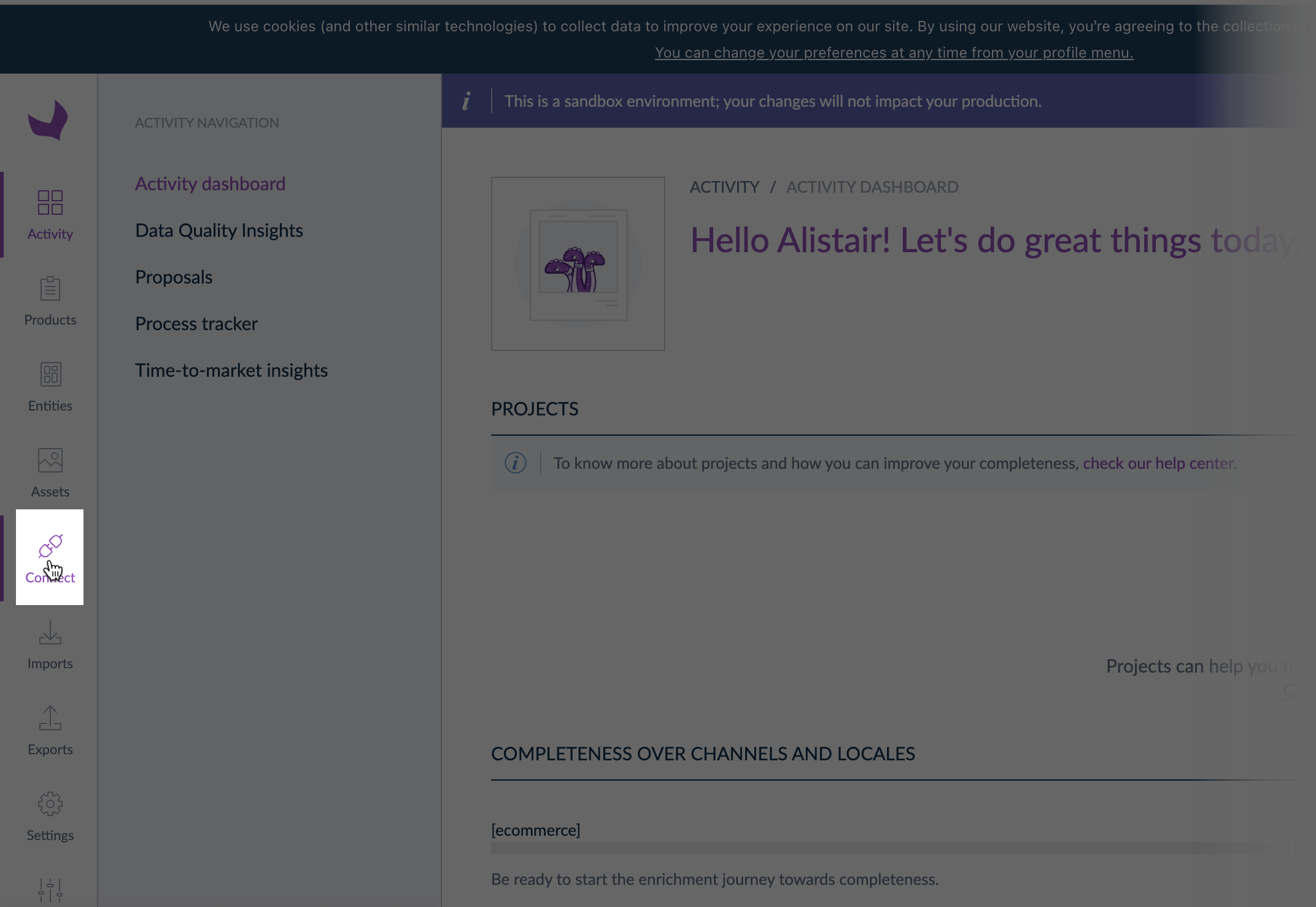
Step 2\ Select connect from the left-hand navigation bar:
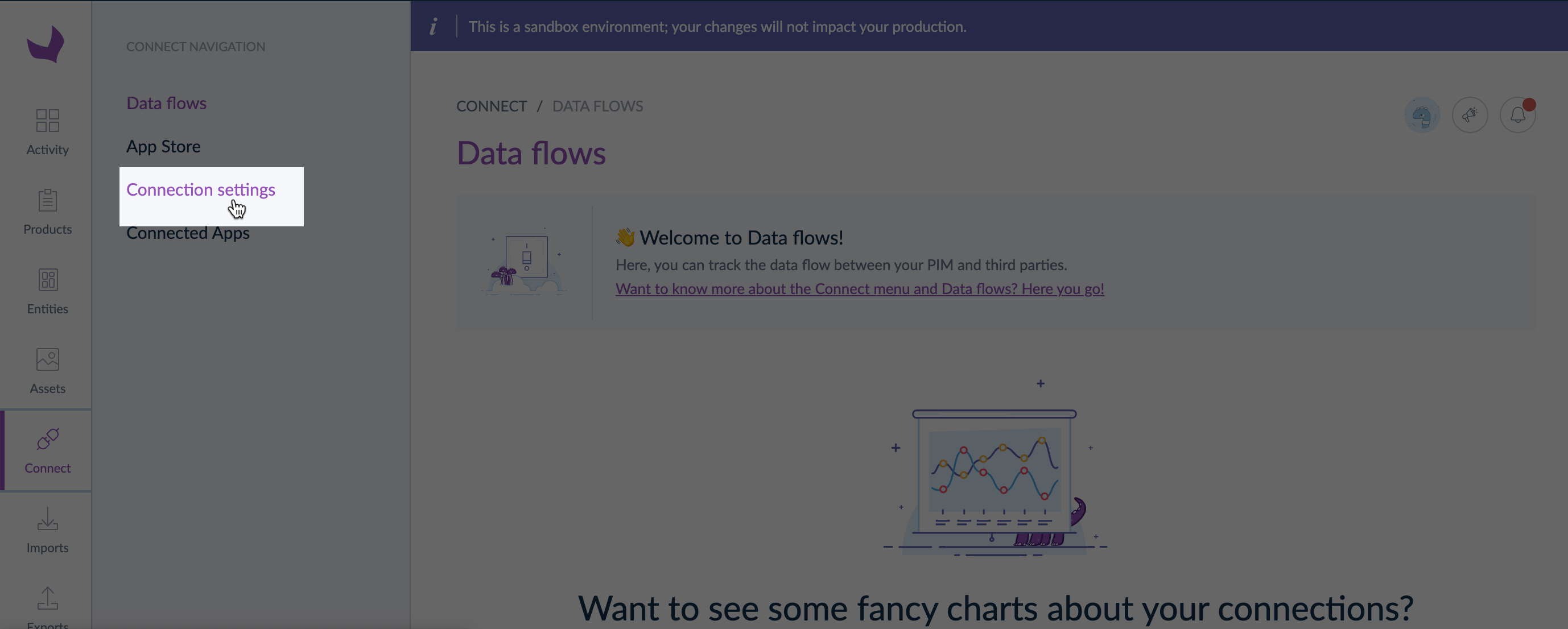
Step 3\ Select connection settings from the connect menu to access existing Akeneo connections:
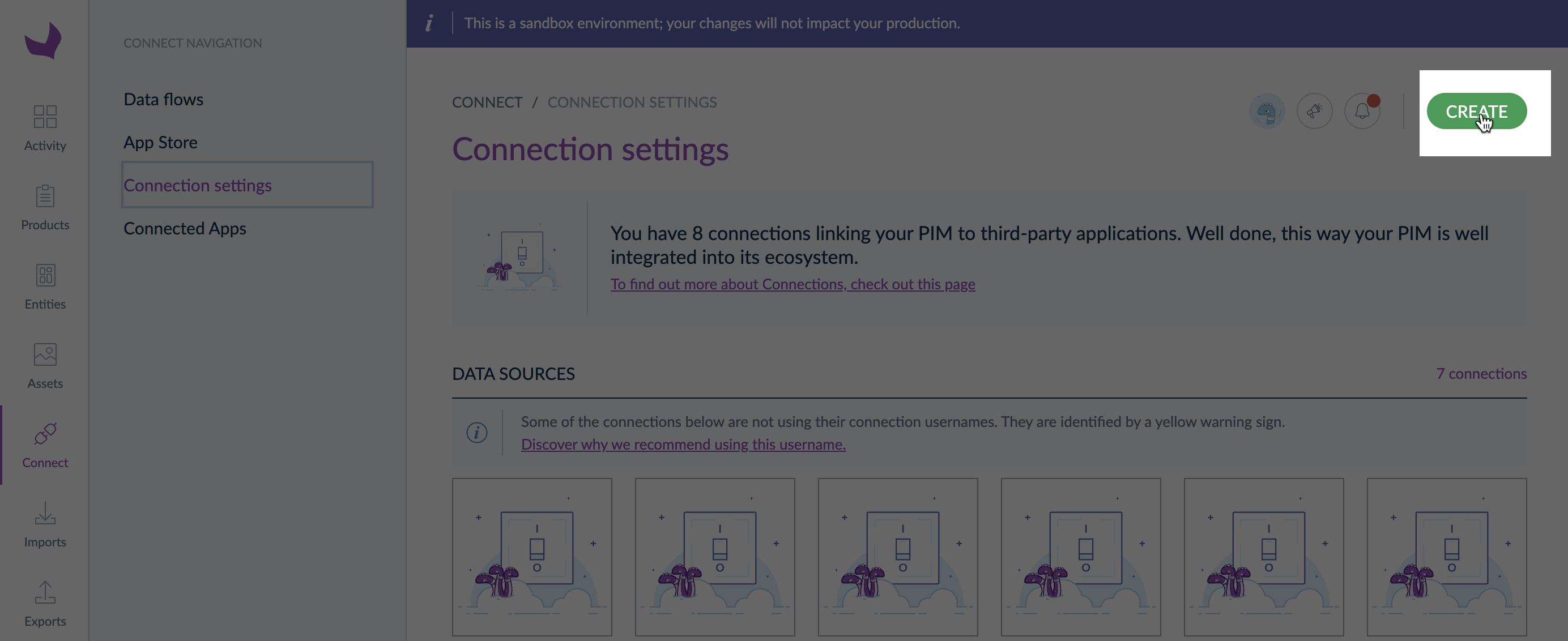
Step 4\ Click the create button:
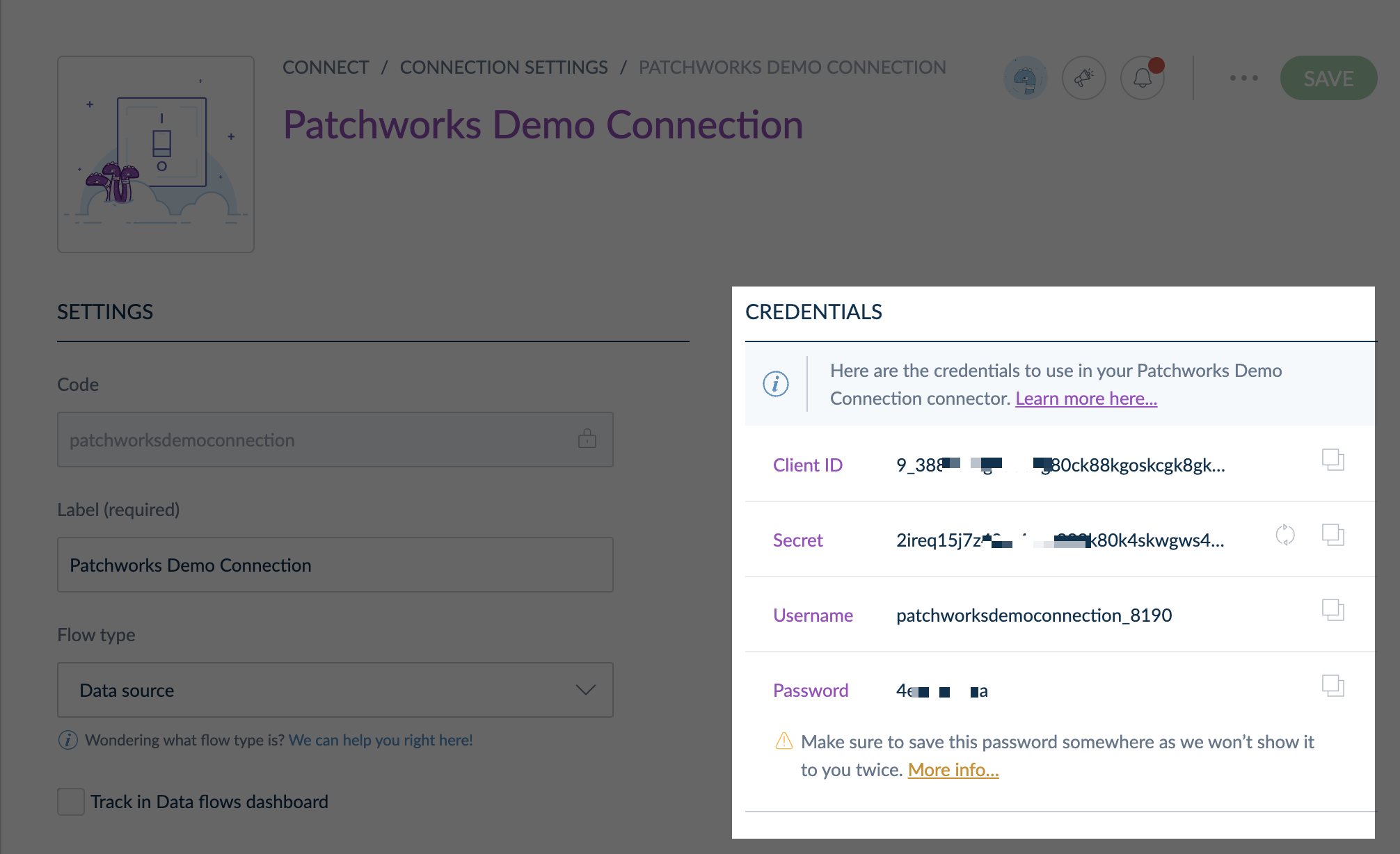
Step 5\ A new set of credentials is created for this connection and displayed in a credentials panel:
 {% endtab %} {% endtabs %}
Comments
0 comments
Please sign in to leave a comment.