
To view this content in our official product documentation, click here.
Introduction
There may be times when you want to undeploy your current Patchworks MCP server - for example, to revert it to draft for editing, or to take it offline while you make changes in a separate draft.
Need to know
- Undeploying a
deployedMCP server will cause any existing connections with AI assistants to be disconnected. This remains the case until another deployment is made. - When a
deployedversion is undeployed, its status changes todraft. If there were an existingdraftversion, it would be overwritten.
The steps
{% stepper %} {% step %} Access your MCP server deployments
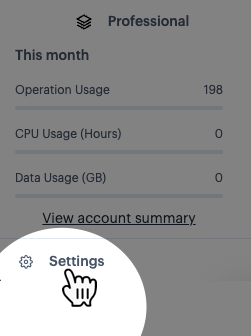
Select the settings option (at the bottom of the navigation menu):
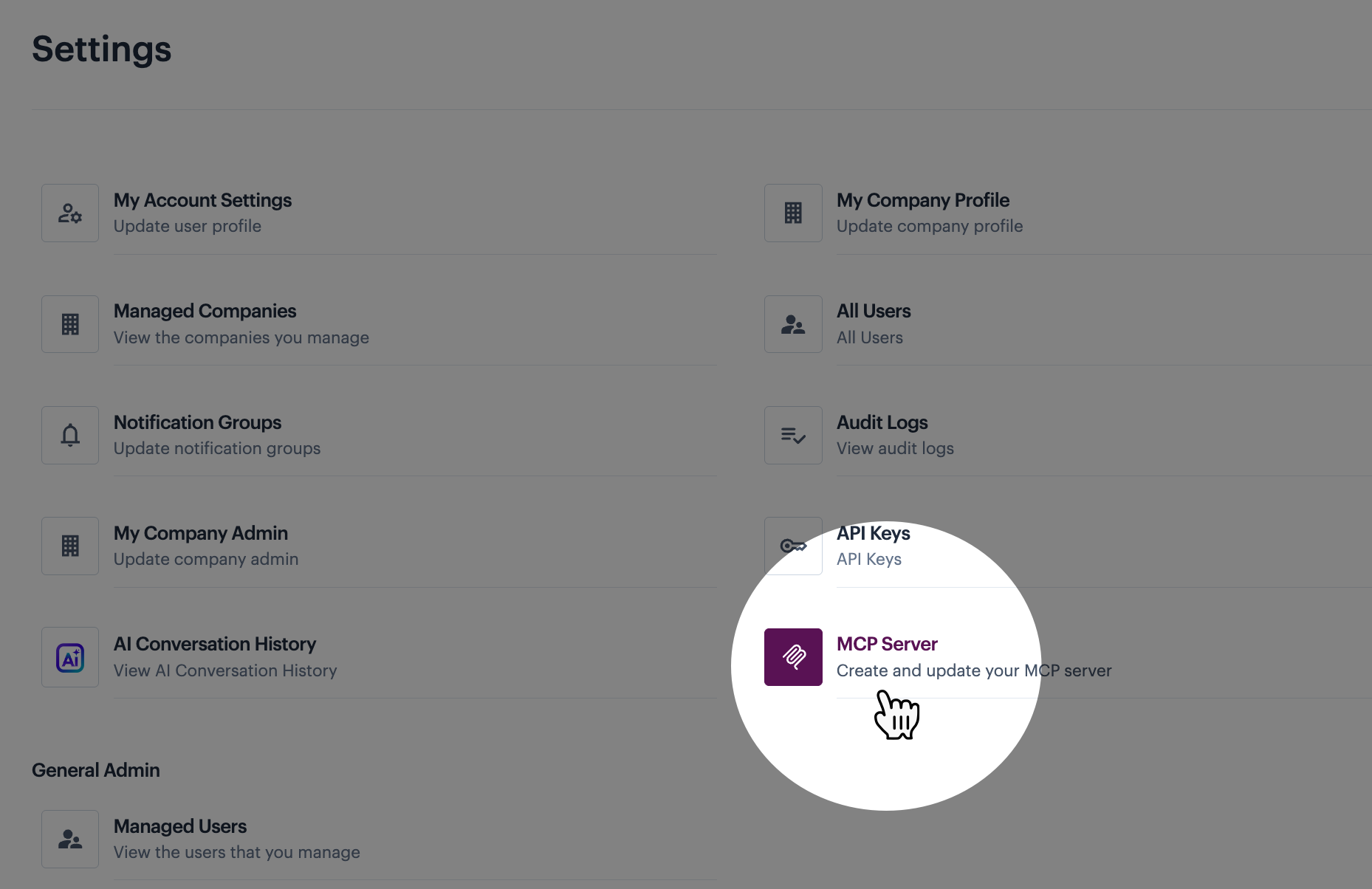
Then select the MCP servers option:
{% endstep %}
{% step %} Deploy the draft
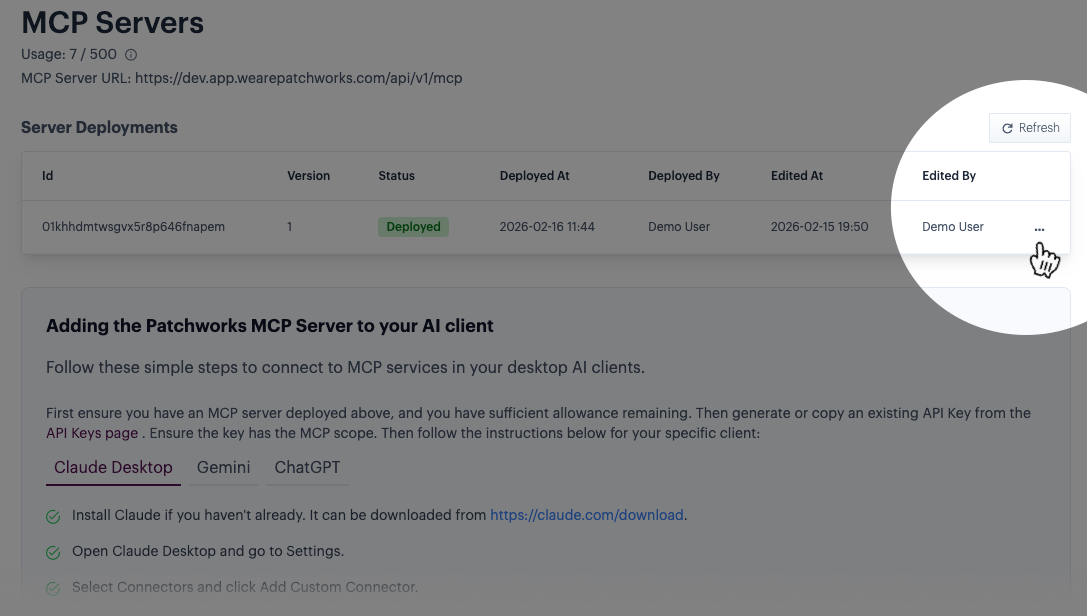
Click the ellipsis icon for the deployed entry:
Then select the undeploy option:
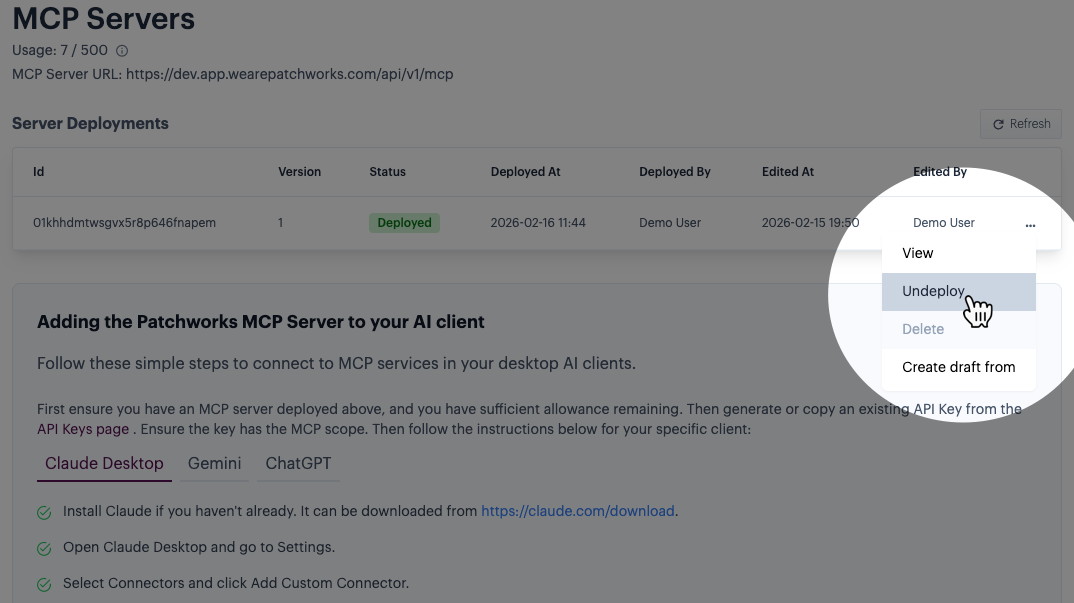
The deployed status changes to draft. If there were an existing draft version, it would be overwritten. {% endstep %} {% endstepper %}
Comments
0 comments
Please sign in to leave a comment.