
To view this content in our official product documentation, click here.
Introduction
The round date transform function is used to round source dates to either the start or end of the day, where:
-
start of daychanges the time to00:00for the received date -
end of daychanges the time to23:59for the received date
So, you can round a given source date before sending the rounded value into a given target field.
Adding a round date transform
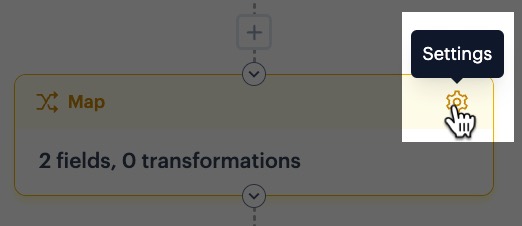
Step 1\ In your process flow, access settings for your map shape:
Step 2\ Select the add transform button for the required mapping rule - for example:

Step 3\ Click the add transform button:

Step 4\ Click in the name field to access a list of all available transform functions, then select round date:

Step 5\ Choose your required rounding:

Step 6\ Accept your changes and save the transformation - at this point your mapping row is displayed without a target. From here, you can go ahead and add a target field:

Comments
0 comments
Please sign in to leave a comment.