
To view this content in our official product documentation, click here.
Introduction
The cast to number transform function is used to change the data type associated with a source field from string to number. For example, you might have an id field in a source system that's stored as number value, but your destination system expects the id to be a string.
Adding a cast to number transform
Step 1\ In your process flow, access settings for your map shape:

Step 2\ Select the add transform button for the required mapping rule - for example:

Step 3\ Click the add transform button:

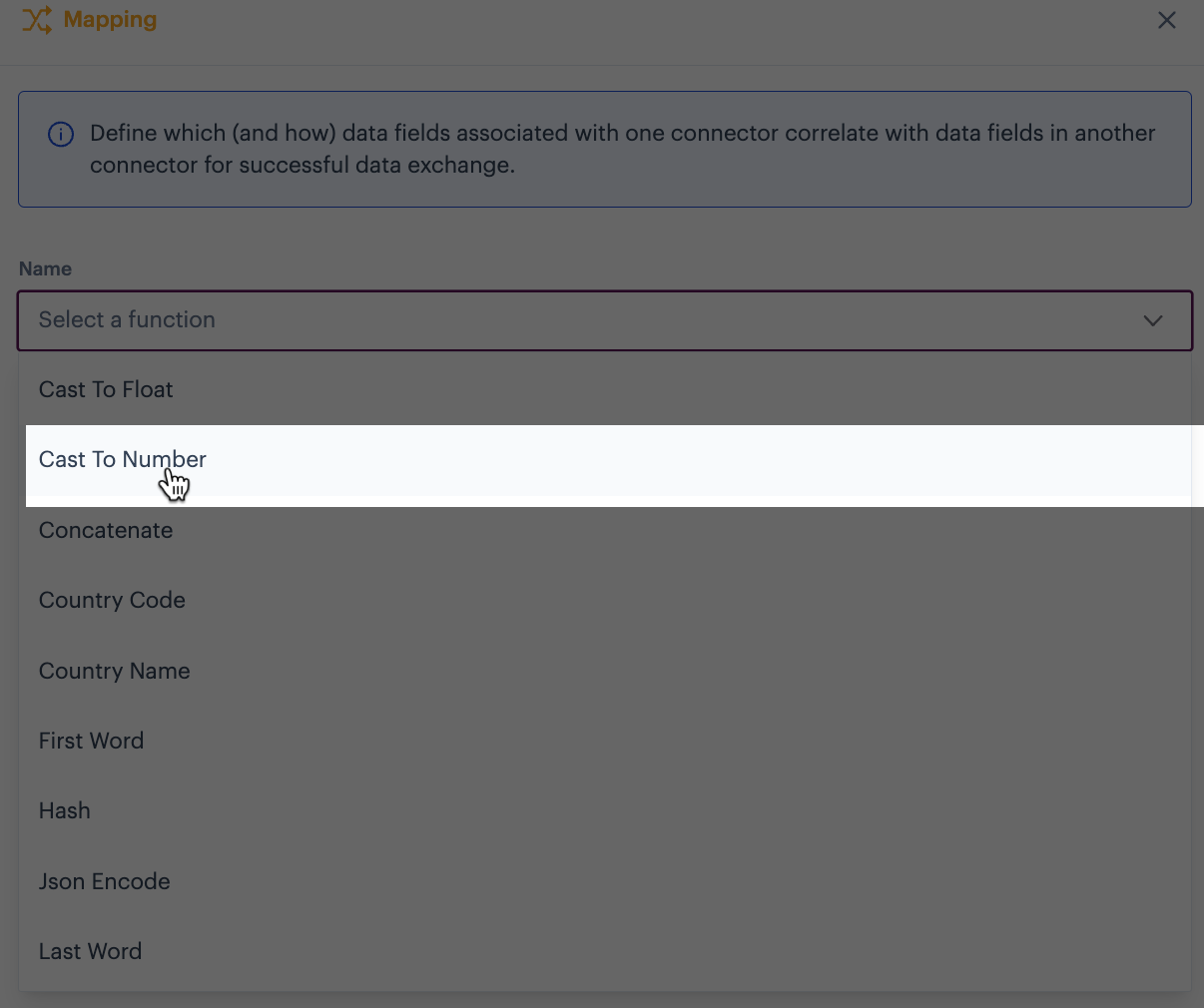
Step 4\ Click in the name field to access a list of all available transform functions, then select cast to number from the string category:
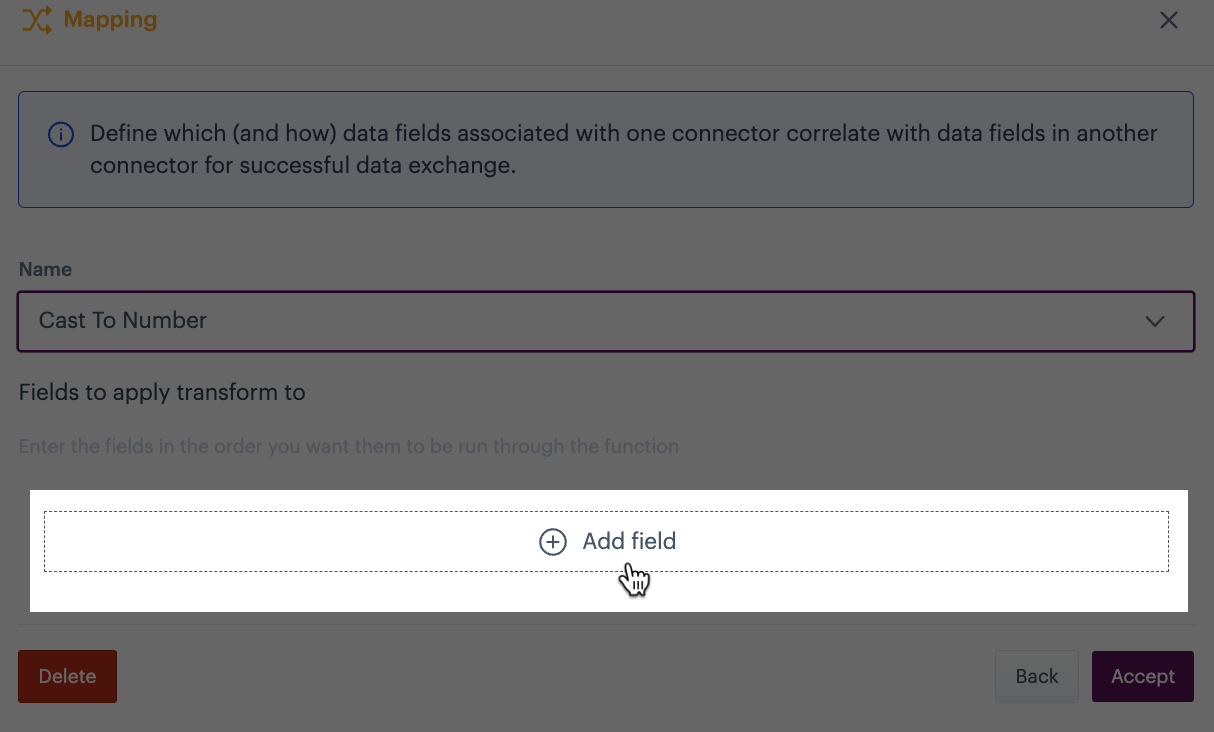
Step 5\ Click the add field button:
Step 6\ Click in source fields and select the source field to be used for this transform:

Step 7\ Accept your changes (twice).
Step 8\ Save the transform. You'll notice that the transform icon is updated to indicate that a transform function is present for the mapping row - for example:

Comments
0 comments
Please sign in to leave a comment.