
To view this content in our official product documentation, click here.
Introduction
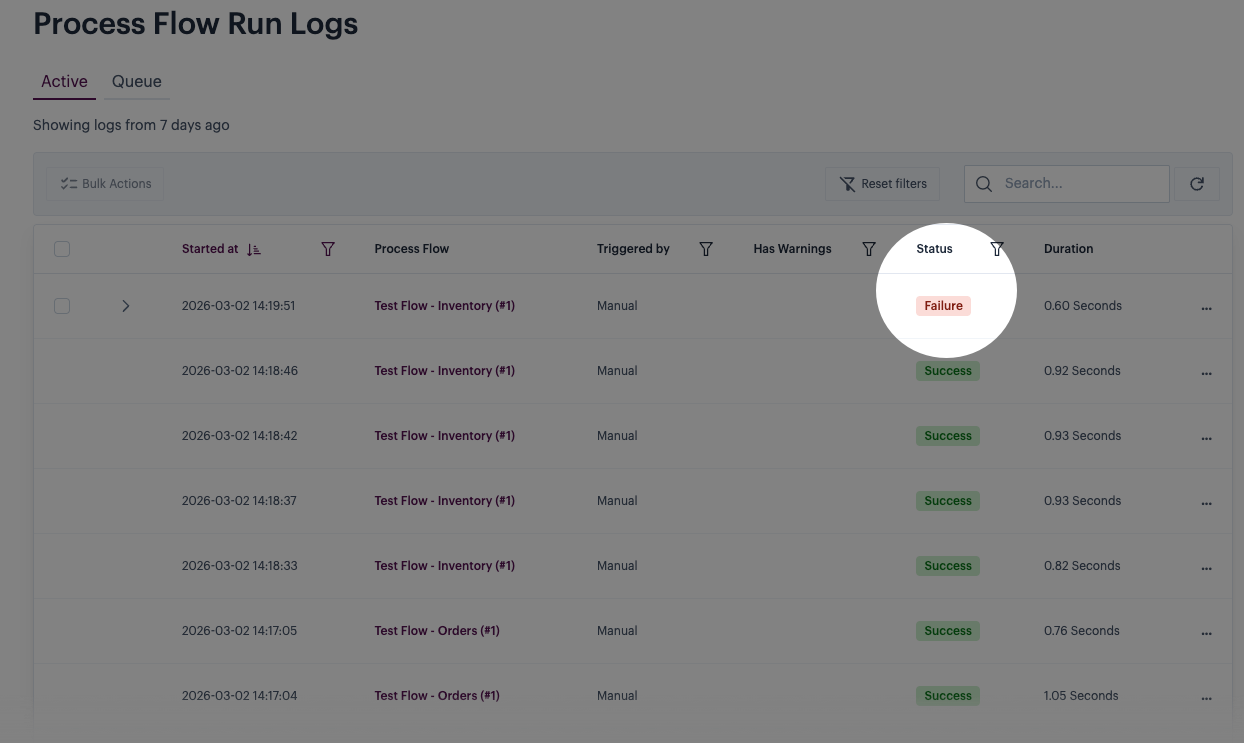
If a process flow run fails for any reason, it's displayed in run logs with a failure status - for example:
You can retry a failed run individually (as detailed here) or, for multiple failures, you can use a bulk action.
Need to know
Please see Handling failed process flow runs for points to consider before retrying a failed flow run.
The steps
{% stepper %} {% step %} Access your run logs
Log in to the Patchworks dashboard and access your run logs & queue - ensure the active tab is selected. {% endstep %}
{% step %} Select the retry option
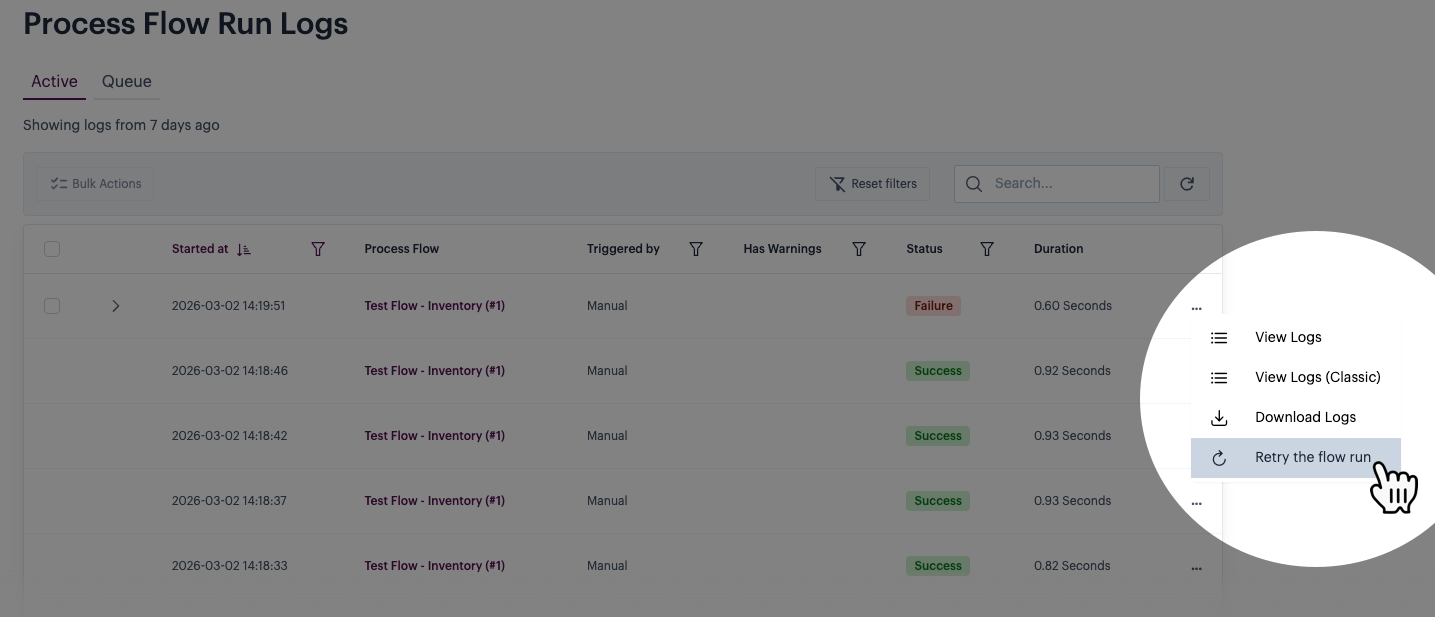
Click the ellipses icon to access additional options for the log entry, then select the retry flow run option. For example:
{% endstep %}
{% step %} Confirm the retry operation
When prompted, confirm that you want to proceed:

{% endstep %} {% endstepper %}
Comments
0 comments
Please sign in to leave a comment.