
To view this content in our official product documentation, click here.
Introduction
All of your installed connectors can be viewed/updated from the manage connectors page - for example:
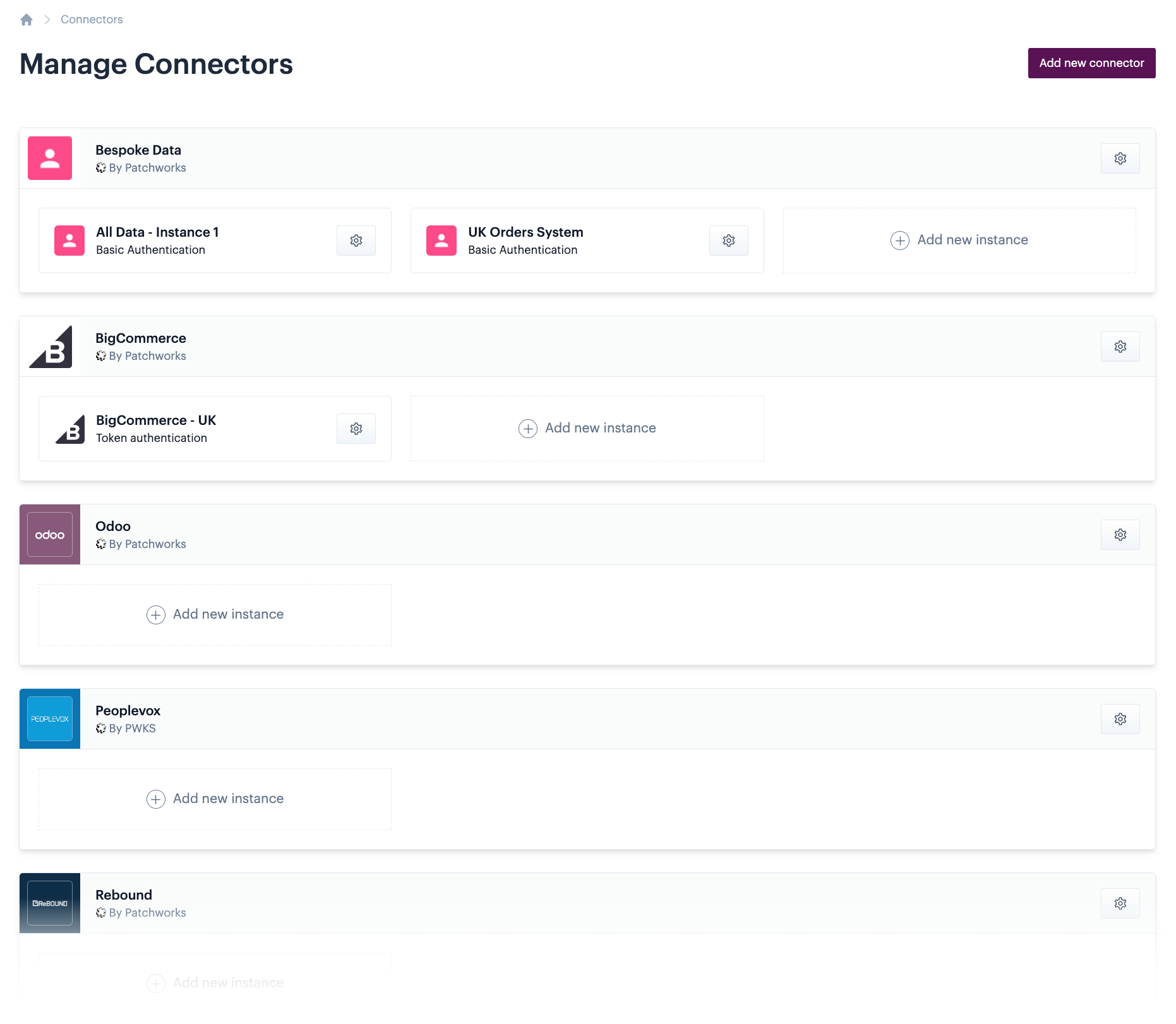
If you've built your own connectors with the Patchworks connector builder, these will also be shown here.
On this page, you can see all installed connectors and any associated instances that have been added. From here you can:
- Update an existing connector
- Add an instance for a connector
- Update an existing connector instance
- Remove an existing connector instance
- Remove an existing connector
Navigating to the my connectors page
To navigate to the my connectors page, select process flows > connectors & instances from the left-hand navigation menu.
Comments
0 comments
Please sign in to leave a comment.