
To view this content in our official product documentation, click here.
Introduction
If you are a user with an administrator or manager role, you can trigger a password reset email for other users in your company.
When this is done, a reset email is sent to the email address for the user, containing a reset link. Password reset links are valid for 24 hours. After this, another password reset must be triggered so a new link is emailed.
 Alternative approach
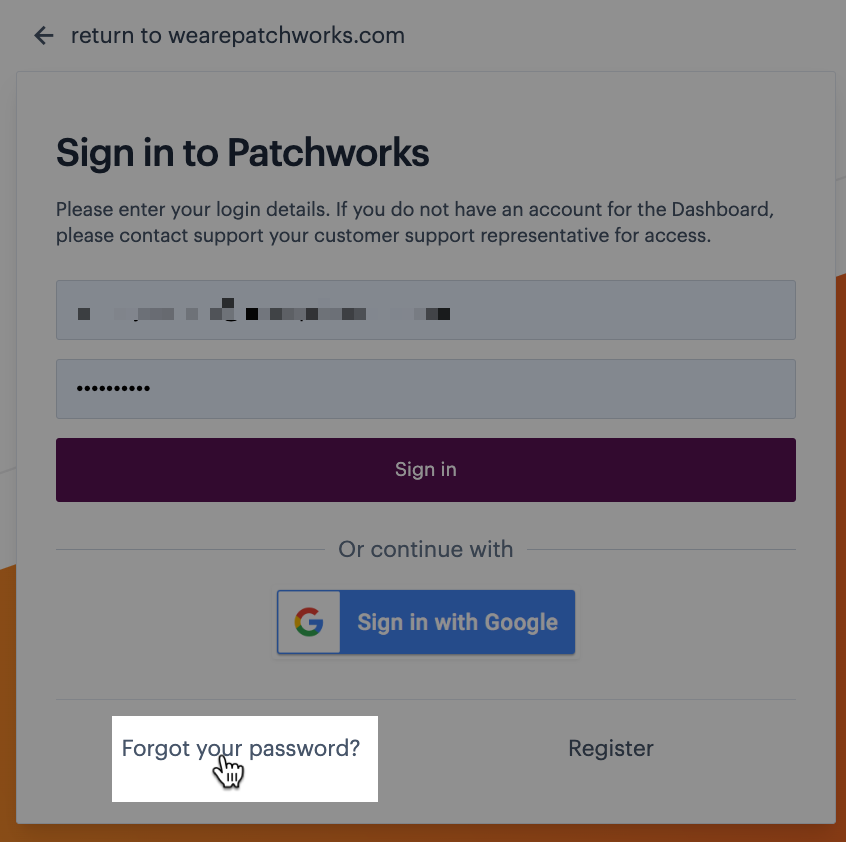
The company user can use the 'forgot password' option from the Patchworks login page to trigger their own password reset email:\ \
The steps
Step 1\ Access the user list for your company profile.
Step 2\ Move down to the extra section - you'll see a [company] users tab showing all existing user accounts. At a glance you can see each user's name, email address and role - click the name of the user requiring a password reset:

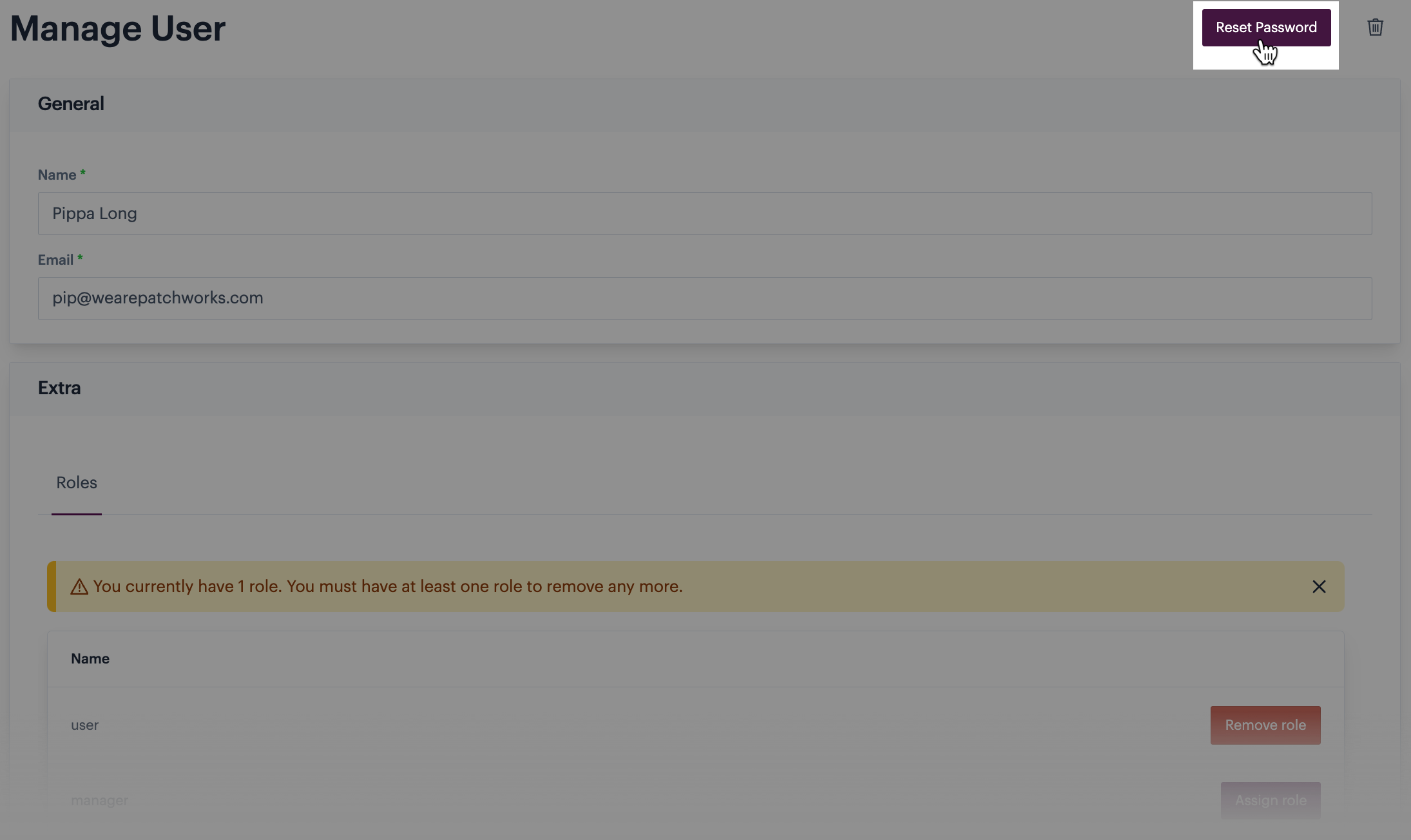
Step 3\ Click the reset password button at the top of the page:
Step 4\ The user will receive an email from Patchworks which includes a link to change their password.
Comments
0 comments
Please sign in to leave a comment.